

Overview
In Elementor, Variables are shared design values you can reuse across a site instead of repeating the same raw value everywhere. They work like design tokens for colors, typography, and sizes.Why variables help
- They keep repeated values consistent across pages and components.
- They make global updates easier when a brand value changes.
- They keep custom CSS cleaner because shared values come from tokens instead of scattered literals.
- They help Elementor styling decisions and Skelementor utilities stay aligned.
In Elementor
1. Open the variable picker
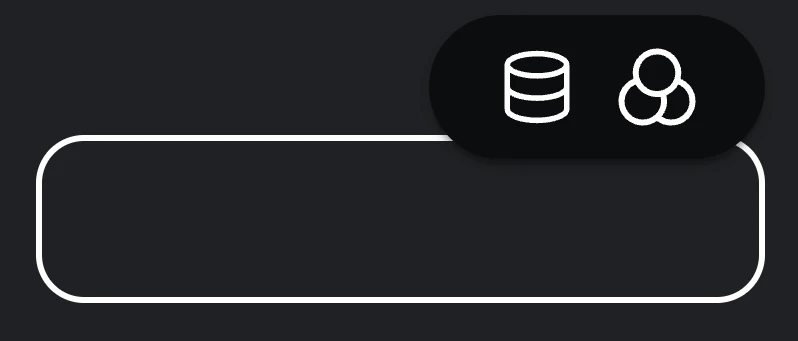
2. Use the variables popup window
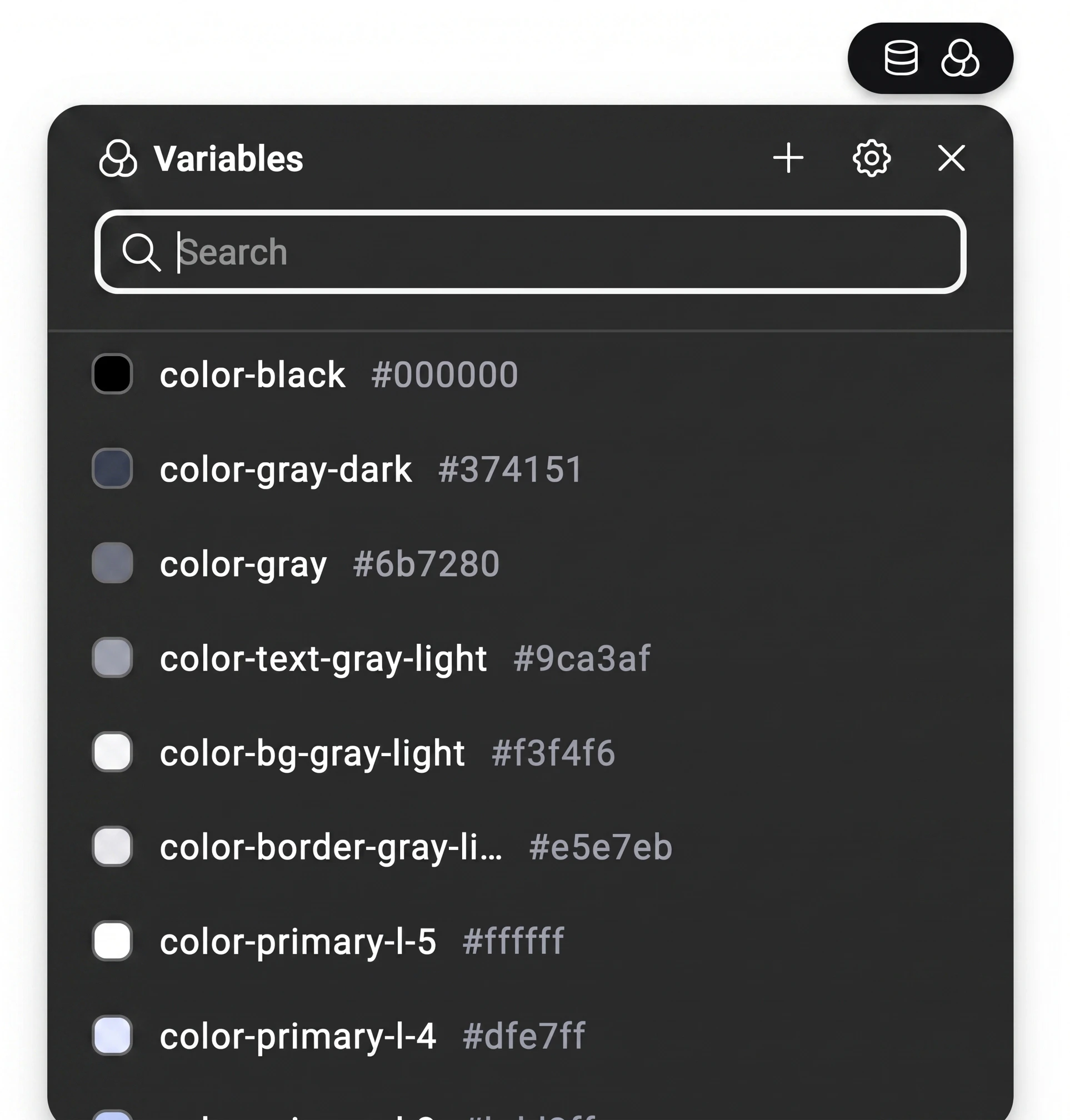
- search available variables
- pick an existing variable for the current control
- create a new variable with the
+button - open the Variables Manager from the settings cog
3. Manage variables centrally
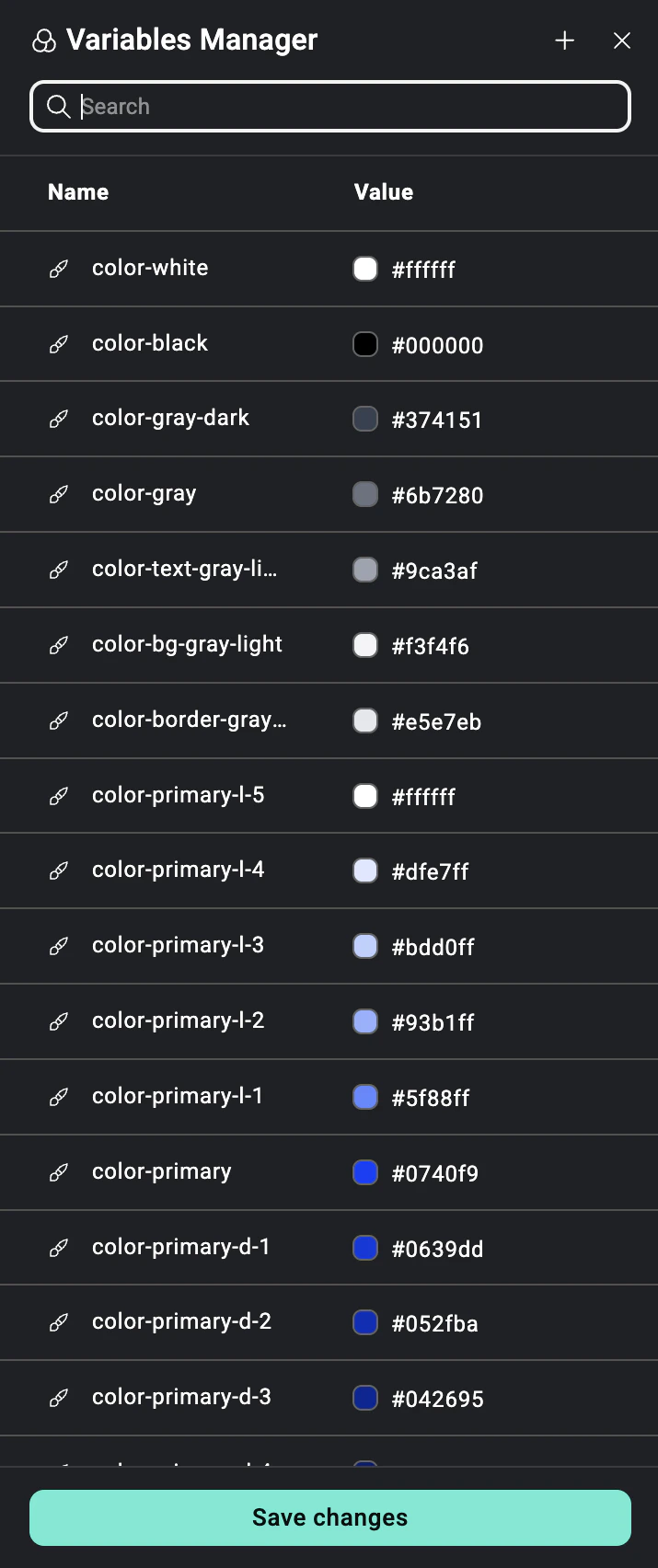
- search variables
- create new color, font, or size variables
- edit existing variable values
- delete variables you no longer need
- save changes and update variable-driven styling across the site
With Skelementor
- Utilities apply layout and styling behavior.
- Variables provide the reusable values behind those decisions.
- Together, they keep classes expressive while centralizing the values that matter.
Related
Border width
var(--border-*) and the border scaleColors
Semantic palette and utility naming